
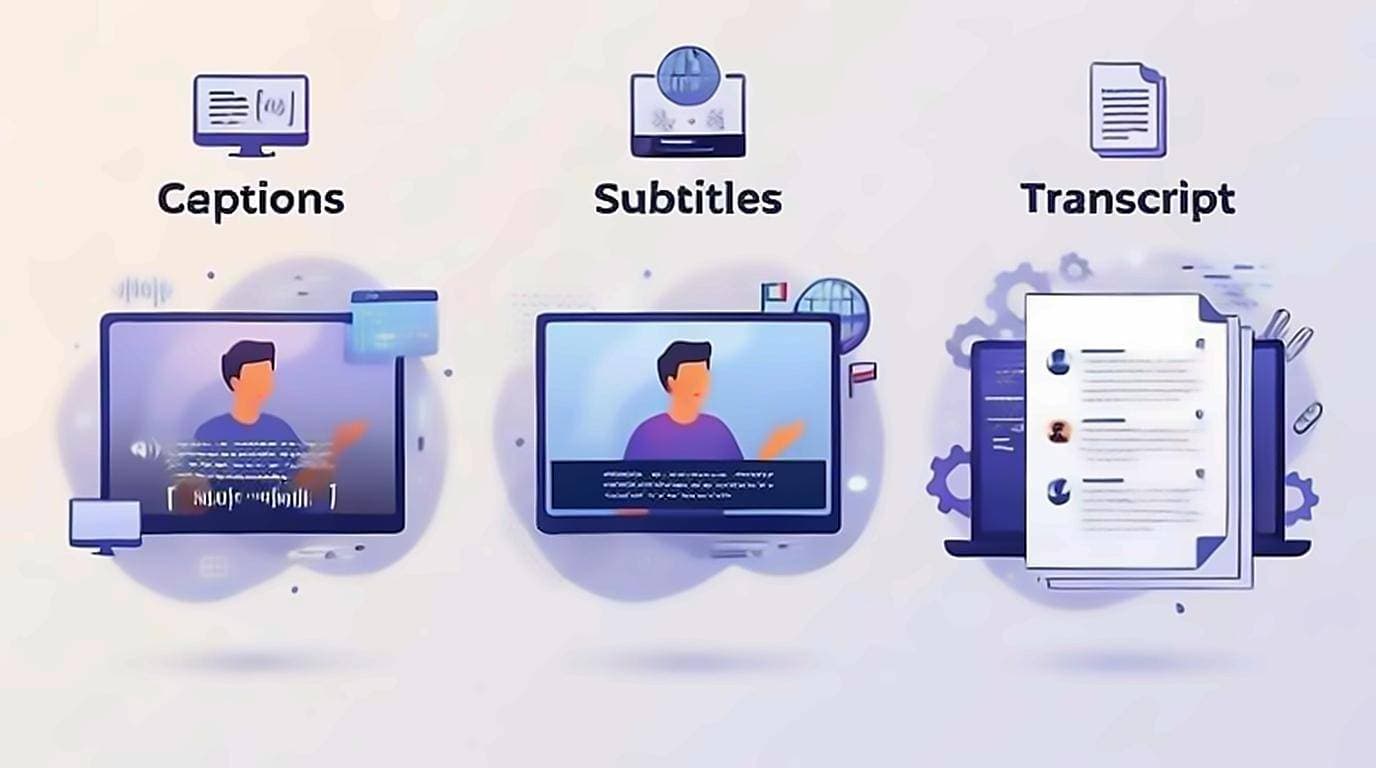
Transcript vs Captions vs Subtitles Explained
Captions, subtitles, and transcripts all turn speech into text — but differ. See how each works, and how to turn YouTube captions into clean text.
youtube-transcript.techRead
Articles
Guides, workflows and tips for turning YouTube videos into readable, searchable text — and getting more out of every video you watch.
Captions, subtitles, and transcripts all turn speech into text — but differ. See how each works, and how to turn YouTube captions into clean text.
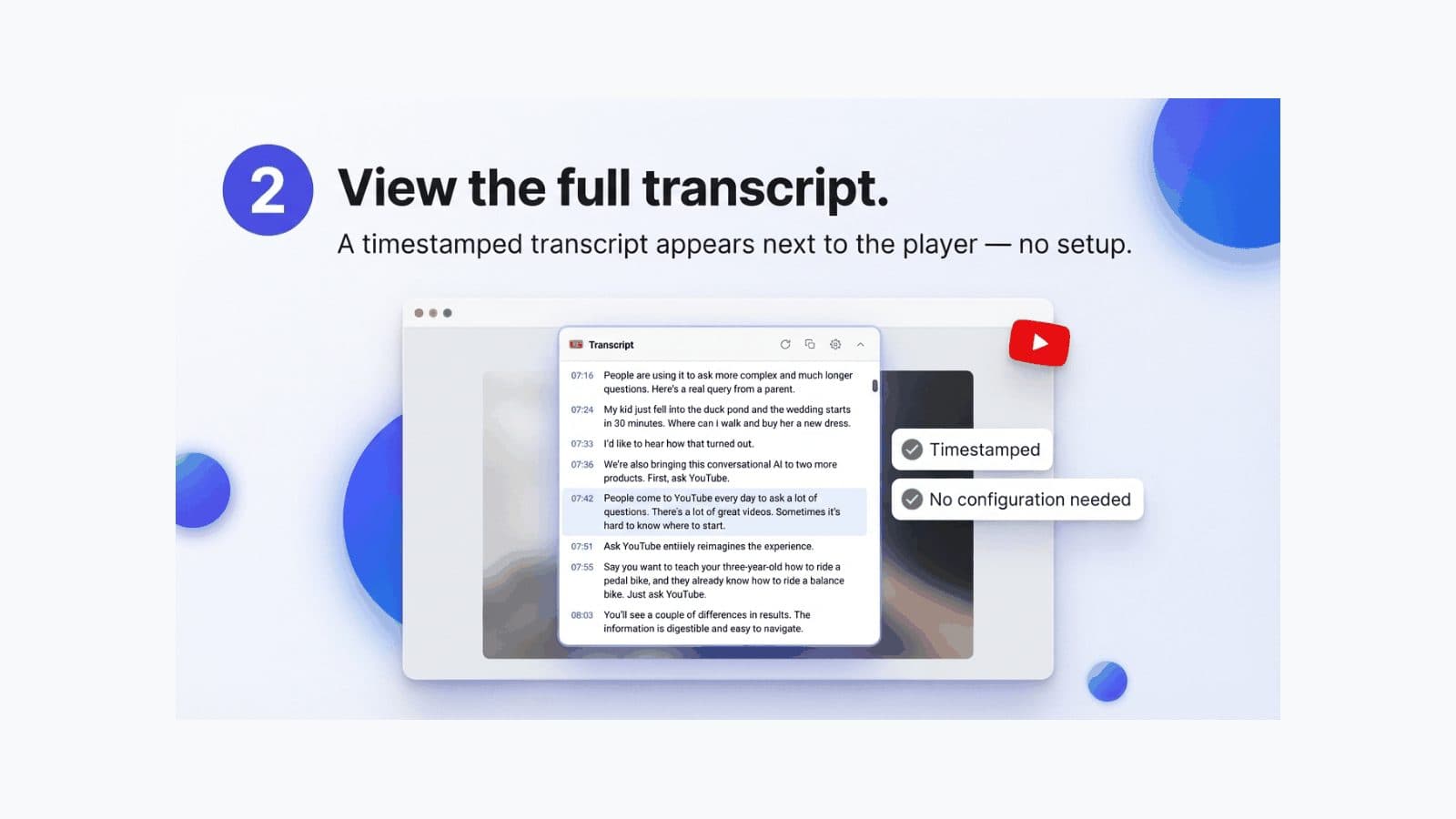
How to find, open and view the transcript on YouTube — where the button hides on desktop and mobile, why it sometimes disappears, and what to do about Shorts.
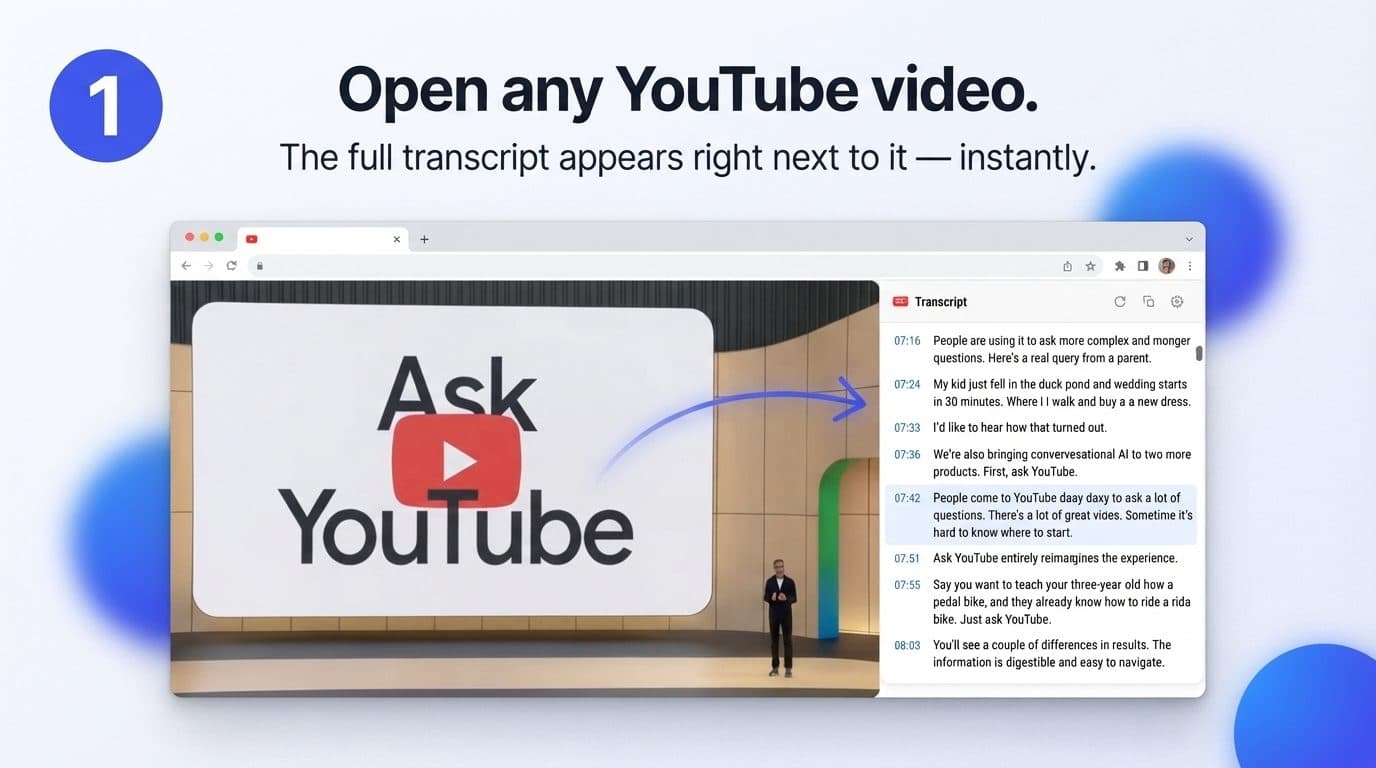
How can I get a transcript of a YouTube video? Three ways that work, how to end up with clean text instead of timestamps, and what to do when there is none.
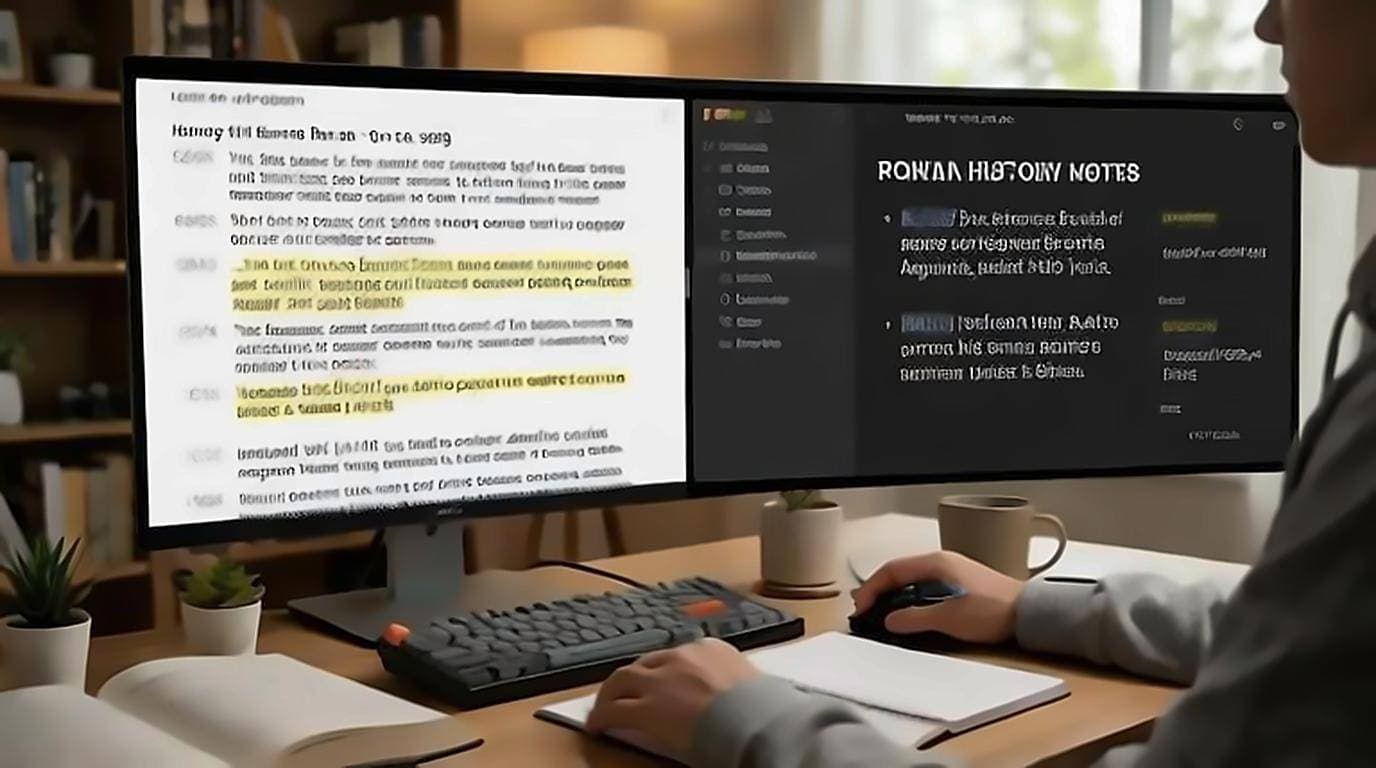
Take YouTube video notes without re-watching — read the transcript, copy exact passages, save timestamp links, and turn notes into flashcards.
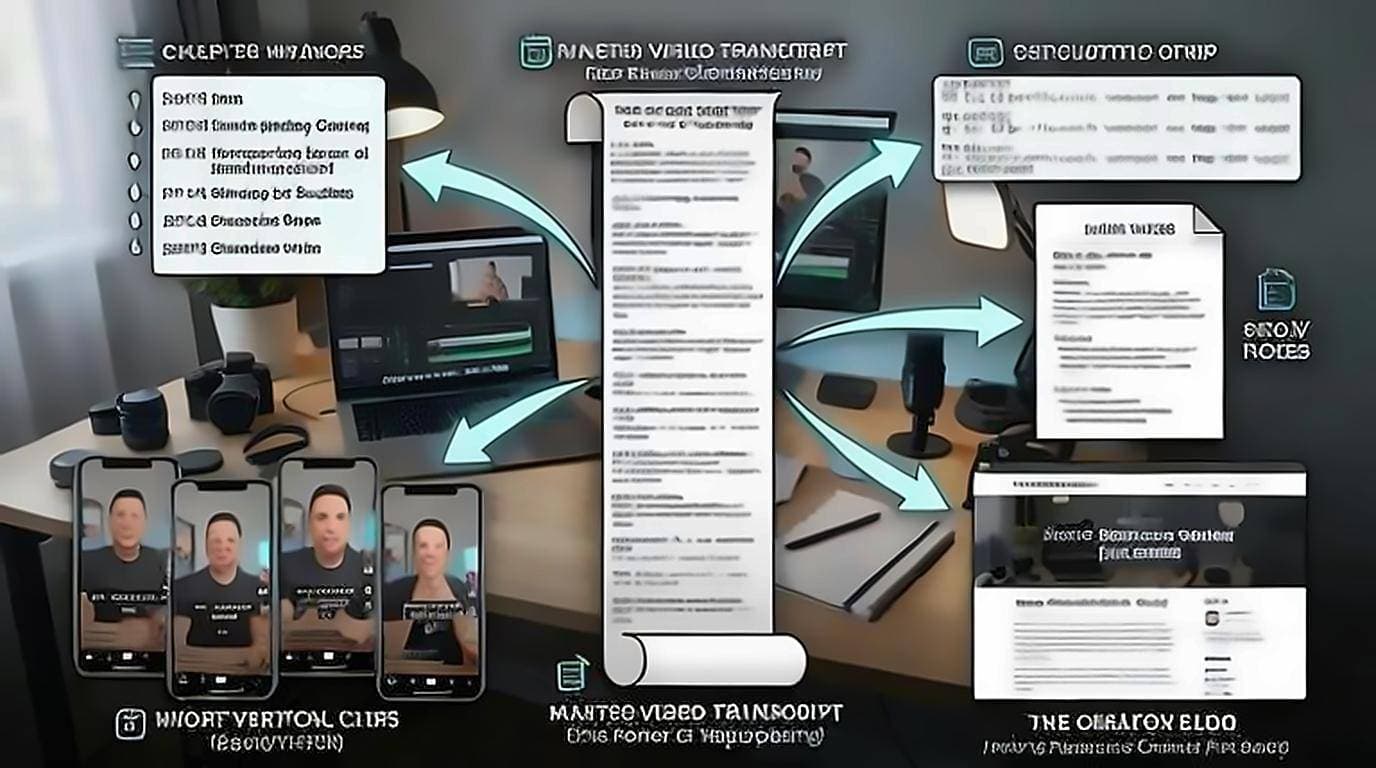
A YouTube transcript for creators is a content multiplier — turn one video into chapters, SRT subtitles, show notes, blog posts, and social clips.
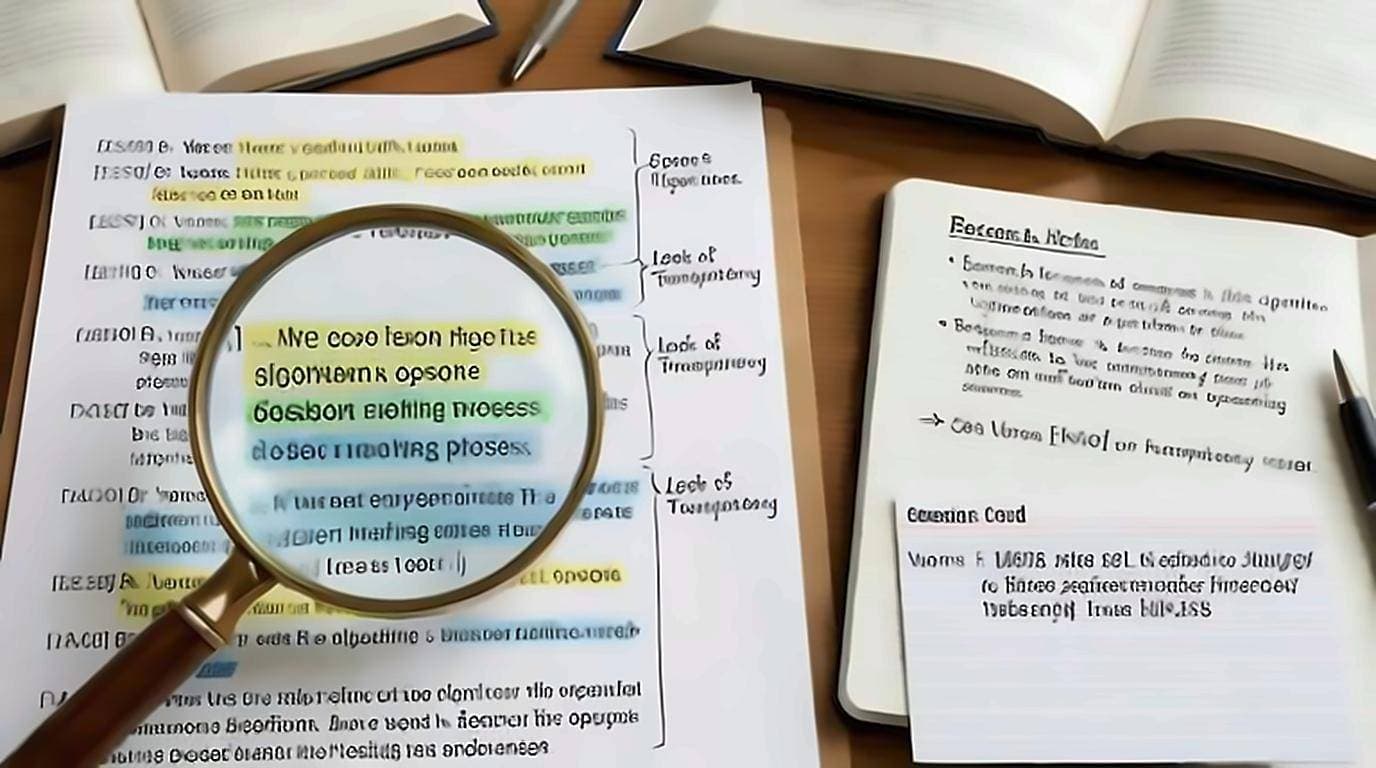
How to quote a YouTube video accurately: pull the transcript, cite the exact timestamp, verify the wording against the audio, and archive the text.
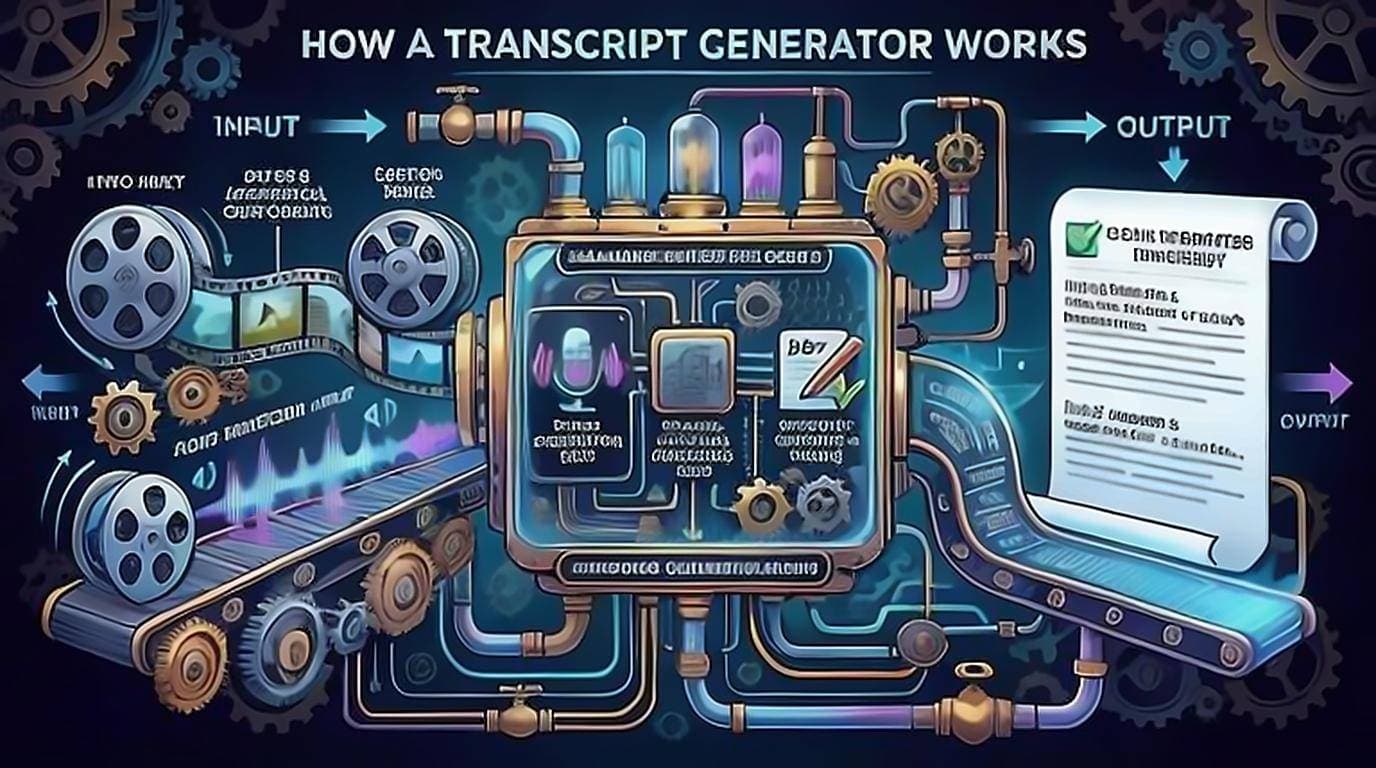
A YouTube transcript generator turns a video into readable text. Learn how it works, captions vs speech-to-text, free vs paid, accuracy, and privacy.
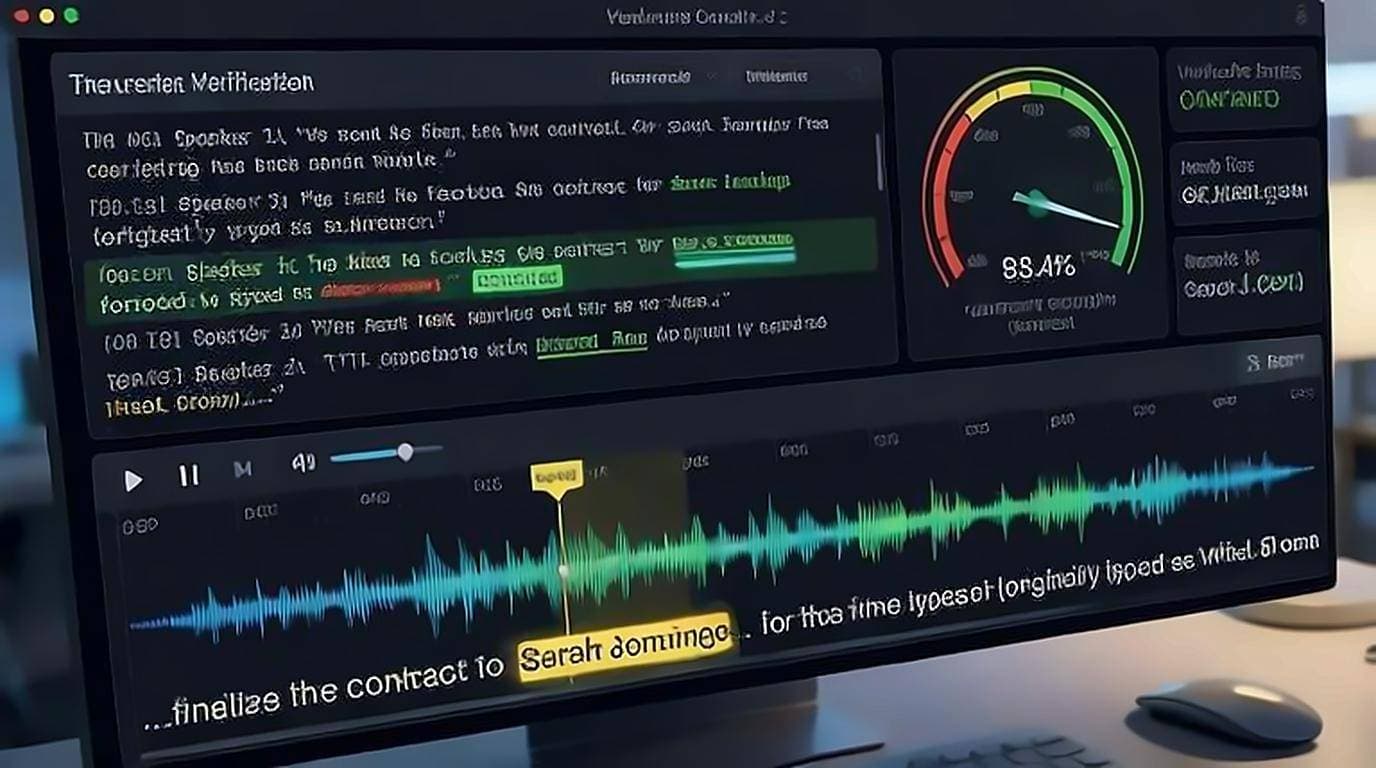
How accurate are YouTube auto captions? See typical error rates, where they fail — names, jargon, accents, crosstalk — and how to verify and fix them.
No transcript on a YouTube video? Learn why captions go missing and practical fixes: desktop site, generate one with speech-to-text, or wait for auto-captions.