
YouTube Transcript Generator Explained
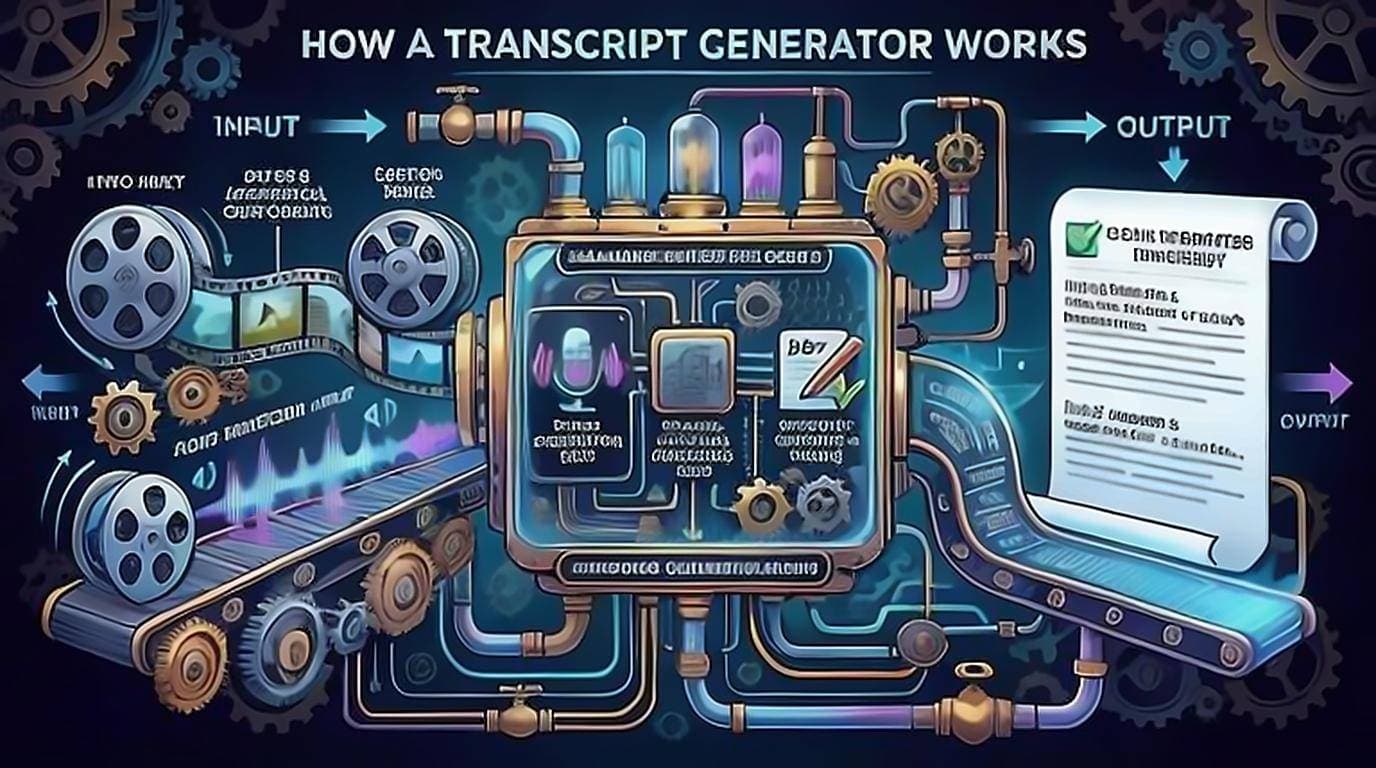
Most tools calling themselves a transcript generator never listen to the audio at all. They read the caption track YouTube already stores and reformat it — which is why they return results in a second and cost nothing to run. A smaller set genuinely transcribe the audio with speech recognition. Knowing which kind a YouTube transcript generator is explains nearly everything about its speed, accuracy, price and privacy, and it is the one thing the marketing copy never tells you.
Two ways a generator makes text
There are only two underlying methods, and they behave very differently.
Caption extraction (most common)
- Reads YouTube's existing subtitle track — either the creator's uploaded captions or YouTube's auto-generated ones.
- Nearly instant, because the text already exists.
- Free to run, since no heavy processing is involved.
- Accuracy equals the caption quality; perfect if the creator uploaded real captions, rougher if they're auto-generated.
Speech-to-text (transcription)
- Feeds the audio into a speech recognition model to produce fresh text.
- Slower and more compute-heavy, so it's often paid or usage-limited.
- Can transcribe videos that have no caption track at all.
- Quality depends on the model, audio clarity, and speaker accents — the Whisper paper is a useful baseline here, since it reports error rates across accents, background noise and technical language rather than on clean studio audio alone.
For the vast majority of videos, caption extraction is all you need — YouTube has already done the hard part. Speech-to-text matters only when a video genuinely has no captions.
What "generating" actually looks like
Whichever method is used, a good generator cleans up the raw data before showing it to you:
- Merges caption fragments into full sentences and paragraphs.
- Strips or preserves timestamps depending on what you want.
- Removes duplicate lines and caption artifacts.
- Lets you copy the result or export it as TXT or SRT.
The difference between a frustrating tool and a pleasant one is mostly this cleanup step. Raw caption data is choppy — two or three words per line with a timestamp on each. A quality generator turns that into text you can actually read and paste. Our free extension does this on the YouTube page itself, so you get clean text without switching tabs. For the full walkthrough, see how to get a YouTube video transcript.
Free vs paid generators
You rarely need to pay to get transcript text.
Free is enough when you want to:
- Read or skim what was said.
- Copy quotes and passages.
- Search inside the video.
- Export a plain transcript.
Paid may be worth it when you need:
- Speech-to-text for videos with no captions.
- Bulk transcription across many videos.
- Speaker labels, translation, or editing workflows.
- AI summaries and analysis layered on top.
Since caption extraction is cheap, any generator charging for basic transcript text of a normally-captioned video is charging for convenience, not compute. Try free tools first and only pay when a specific capability — usually real transcription or scale — is missing.
How accurate are generated transcripts?
Accuracy is inherited, not created. If the tool pulls an auto-generated caption track, expect the same errors YouTube's captions have: mangled names, wrong technical terms, and mistakes during crosstalk or heavy accents. If the creator uploaded professional captions, the text can be near-perfect. Speech-to-text tools vary by model but hit the same walls on unclear audio.
The practical rule: never quote a generated transcript without checking it against the audio at that timestamp. For a deeper look at where captions go wrong and how to verify, read YouTube auto captions accuracy.
Privacy: what happens to the link you paste
This is the most overlooked factor. Consider where your data goes:
- On-page extensions that read the caption track locally keep the request between your browser and YouTube — nothing extra is shared.
- Transcript websites receive the video URL on their server and process it there.
- AI-powered generators send the content to a model provider for processing.
None of these is inherently wrong, but if privacy matters, prefer tools that work locally on the page you're already viewing and don't require an account or link submission to a third party.
Why a generator sometimes returns nothing
An empty result is almost never a bug in the tool. Because most generators are caption extractors, they can only return what YouTube is willing to hand over, and there are several ordinary reasons that comes back empty.
- The video has no caption track. The creator disabled captions, or automatic captioning did not cover it. Nothing to extract, so a caption-based tool has nowhere to go. See what to do when a video has no transcript.
- It was published minutes ago. Auto-captions are generated after upload, not during it, and long videos wait longer. Coming back later often solves it by itself.
- It is a live stream still in progress. Live captions are not the same thing as a stored caption track; the transcript typically appears once the stream ends and is processed.
- The video is restricted. Age-restricted, members-only, private and unlisted-but-protected videos are not accessible to a server that has no session with your account. This is where a website-based generator and an on-page extension genuinely differ: the extension sees the page as you, already signed in.
When a generator adds nothing at all
It is worth being honest about the cases where a separate tool is not the answer. If you need to read a few sentences from one video, YouTube's own transcript panel is already open in two clicks and costs nothing. A generator earns its place when you need the text somewhere else — in a document, a prompt, a subtitle file — or when you are doing it often enough that the copy-and-clean step becomes the actual work.
That framing also tells you what to be sceptical of. A tool that asks for an account before showing you text that YouTube publishes freely is charging you in signup rather than money, and a tool that requires you to paste a URL into someone else's server is doing work your browser could have done on the page.
What to look for in a good generator
Before you settle on a tool, check these:
- Clean output — real sentences, not choppy caption fragments.
- Timestamps you can toggle — keep them for reference, drop them for writing.
- Search inside the transcript — jump to any keyword fast. See searching inside videos.
- Export options — copy, TXT, and SRT cover most needs.
- No forced account for basic text.
- Clear data handling so you know where your requests go.
The bottom line
Most of the time you don't need a heavyweight transcription engine — you need a tool that grabs the existing captions and presents them cleanly. Start with a free, on-page option, verify anything you plan to quote, and step up to speech-to-text only for the occasional video that has no captions at all. Once you have clean text, it's easy to summarize it or turn it into written content.