
How Accurate Are YouTube Auto Captions?
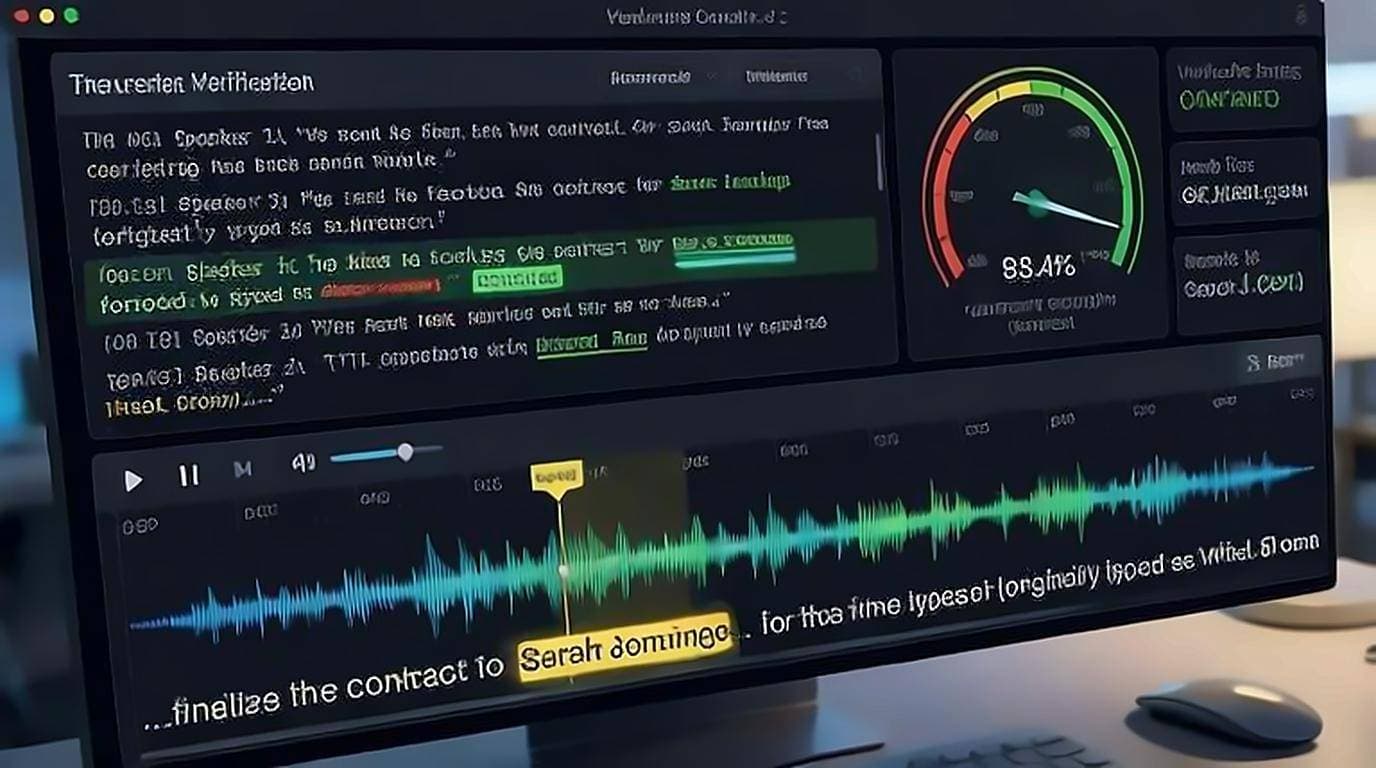
YouTube auto captions are usually accurate enough to follow a video, but not accurate enough to quote without checking. There is no published accuracy figure to rely on, and a single number would not help much anyway, because quality varies enormously from video to video. Google's own documentation on automatic captions says as much: availability and quality depend on the language, the clarity of the audio, and how people speak in the recording. What matters more is the shape of the errors, because the words captions get wrong tend to be the ones you care about.
Why a percentage is the wrong question
Suppose a transcript is right about nineteen words in twenty. That sounds excellent until you ask which word it missed. Auto captions rarely botch "the" and "and"; they stumble on names, technical terms, and numbers. One wrong product name or flipped figure changes the meaning of a quote completely, while the overall error rate barely moves.
So judge a caption track by whether the load-bearing words are right. A transcript that is almost entirely correct but wrong on every proper noun is unusable for reference work, and one with scrappy punctuation but accurate terminology is fine.
Where auto captions fail most
Auto-generated captions break down in predictable places:
- Proper names — people, brands, and places get spelled phonetically or swapped for common words.
- Technical jargon — industry terms, code, medical or legal vocabulary, and abbreviations.
- Numbers and units — prices, dates, dosages, and measurements are easy to mishear.
- Accents and dialects — non-native or regional speech lowers accuracy sharply.
- Crosstalk — when people talk over each other, captions drop or scramble words.
- Fast or mumbled speech — rapid delivery and low audio quality compound errors.
- Background noise and music — captions may miss speech or insert artifacts.
- Homophones — "their/there," "to/two/too," and similar pairs slip through.
If a video has clean audio and one clear speaker, expect strong results. Add a second speaker, a strong accent, or a niche topic, and accuracy drops fast.
Uploaded captions vs auto captions
Not every caption track is auto-generated, and captions, subtitles and transcripts are three different things worth telling apart before judging any of them. Many creators upload their own captions or professional transcripts, which are far more accurate. You can often tell the difference by quality: uploaded captions have proper punctuation, correct names, and clean sentence breaks, while auto captions run words together with minimal punctuation.
When you pull a transcript, you inherit whichever track exists. This is why the same transcript generator can produce near-perfect text on one video and rough text on another — it depends entirely on the source track, not the tool.
Why recognition fails exactly where it does
The error pattern is not random, and understanding it tells you where to look. Speech recognition weighs two things: what the audio sounds like, and what words are likely to follow the words it has already committed to. When those two disagree, likelihood usually wins.
That is why a rare surname becomes a common word that sounds similar, and why a technical term gets replaced by an everyday phrase rather than by nonsense. The system is not failing to hear so much as deciding that an unfamiliar word is improbable. It also explains why errors cluster: once a name is misheard, the same wrong version tends to repeat throughout the video, because the model is consistent about its own mistake.
The practical consequence is that scanning for gibberish will not find these errors. They read as fluent, ordinary English. What catches them is checking the words you actually care about — the names, the numbers, the terms specific to the subject — against what you can hear.
How to verify captions quickly
Never trust a caption for anything important without a spot check. The fastest way is to read the transcript and jump to the audio wherever something looks off.
- Open the transcript alongside the video.
- Click the line in question to jump straight to that second and listen.
- Confirm names, numbers, and technical terms against the audio.
- Cross-check spellings of names in the video description or on the speaker's site.
An on-page tool makes this painless. With our free extension, every transcript line is clickable, so you can jump to the exact moment and confirm what was actually said in a second or two. Click-to-jump is the single most useful feature for verification — see transcripts with timestamps for why.
How to fix or improve the text
Once you've spotted errors, cleaning them up is straightforward:
- Fix as you copy — correct names and terms when you paste the transcript into your notes.
- Build a term list — for a series or channel, keep a small glossary of correct spellings so you fix them consistently.
- Prefer uploaded captions — if a creator offers a proper caption track, use it over the auto one.
- Re-listen at 0.5x speed — slow down crosstalk or fast sections to catch missed words.
If you're a creator, the best fix is upstream: upload accurate captions so your viewers and anyone transcribing your video get clean text from the start.
How to edit YouTube captions on your own video
On a video you own, you are not stuck correcting the text after the fact — you can edit the caption track itself, and every viewer and every transcript pulled afterwards inherits the fix.
- Open YouTube Studio and pick the video, then Subtitles.
- Next to the automatic track, choose Duplicate and edit. This turns the machine output into a track you own rather than starting from nothing.
- Work down the list fixing the load-bearing words first: names, numbers, product and technical terms. The filler is rarely wrong and rarely matters.
- Add punctuation and sentence breaks as you go — auto captions supply almost none, and it is what makes the published transcript readable.
- Publish. The auto track is replaced, and the corrected text is what search, viewers, and any transcript tool see from then on.
For a long back catalogue this is too slow to do everywhere, so spend the effort where it pays: videos that still get traffic, and videos where a misheard term changes the meaning. Everything else can keep the automatic track.
Implications for transcripts and quoting
The core rule follows directly from where captions fail:
- For skimming and understanding — auto captions are fine as-is.
- For search — good enough; you'll still find most keywords even with occasional errors.
- For direct quotes — always verify against the audio first.
- For citations and journalism — verify every name, number, and quoted phrase without exception.
- For repurposing into content — clean the text before publishing, since errors carry into your blog posts.
The takeaway
Auto captions are a genuinely useful starting point, and for most casual viewing they're all you need. The moment accuracy matters — a quote, a name, a number — switch from trusting to verifying, and use click-to-jump to check the audio directly. Start with getting the transcript, then verify what counts.