
YouTube Video Notes: Take Notes Without Re-watching
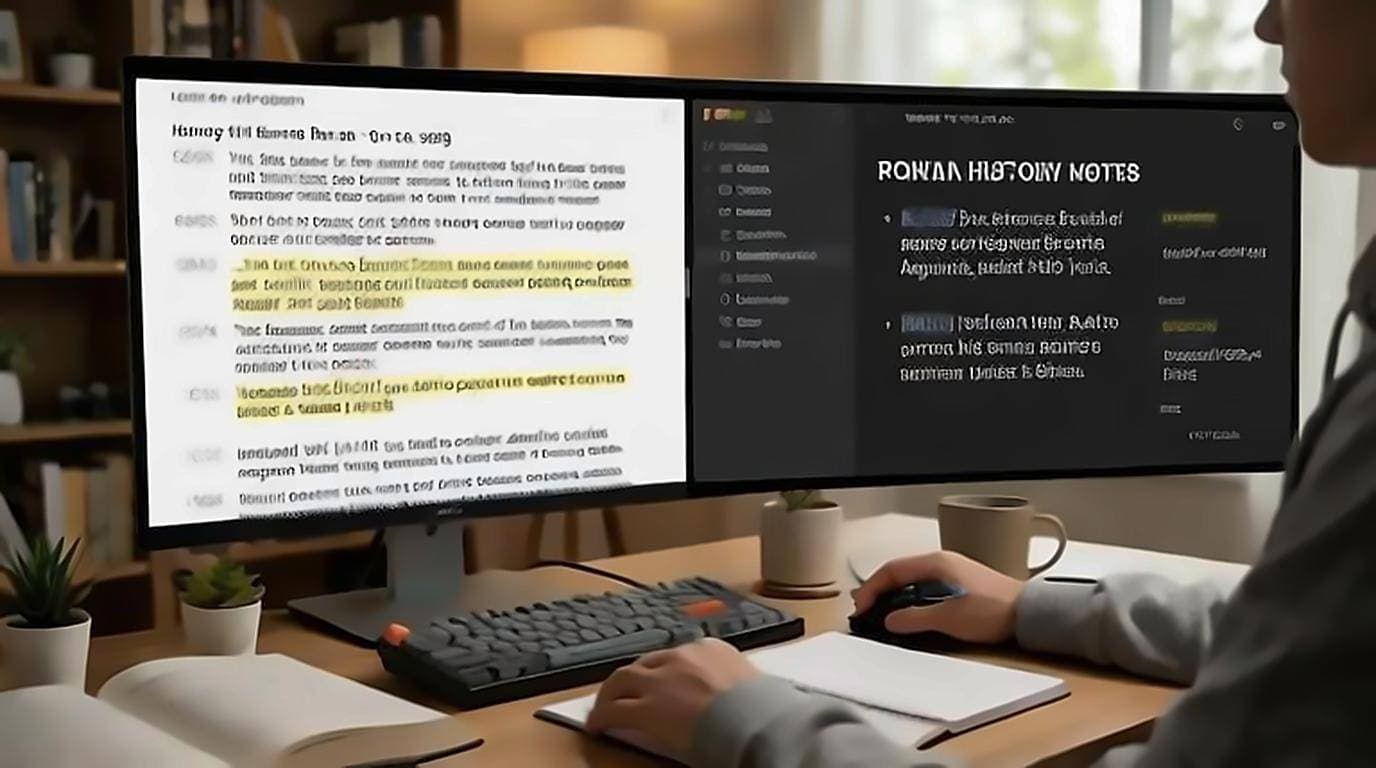
Taking YouTube video notes is far faster when you read the transcript instead of re-watching the video. Pausing every few seconds to scribble, then rewinding because you missed a line, turns a ten-minute video into a thirty-minute chore. Reading is quicker than real-time playback, and the transcript gives you exact wording, jump-to timestamps, and copyable text — so your notes are accurate the first time and you never have to sit through the whole thing twice.
Read instead of re-watch
The core shift is simple: get the words on screen and work from text. The free YouTube Transcript extension shows the full transcript on the watch page, so you can read at your own pace, skim past what you already know, and slow down on what matters — no account or upload needed.
Reading beats re-watching because you control the speed. You skim filler, reread a dense explanation, and skip the intro entirely. What took the full runtime to watch takes a fraction to read. If you're studying, this pairs directly with the tactics in YouTube transcripts for students, and with quoting a YouTube video in research if your notes end up as citations.
Copy exact passages, don't paraphrase from memory
The biggest source of bad notes is paraphrasing something you half-remember. Working from the transcript, you copy the precise wording and edit it down deliberately.
- Copy the sentence that states the key idea.
- Trim it to the essential clause in your notes app.
- Add your own one-line reaction or question beneath it.
- Keep the original phrasing for anything you might quote later.
Because the transcript is clean, copyable text, this is a two-second action rather than a transcription task.
Save timestamp links you can jump back to
The best note-taking habit for video is anchoring each note to a moment you can return to. Transcript lines carry timestamps, and clicking a line jumps the player straight there.
- When a point matters, note its timestamp next to your note.
- For a permanent link, use the "Copy video URL at current time" option from the player's share menu, which appends a "t=" parameter.
- Paste that link into your notes so the anchor survives outside YouTube.
Later, one click drops you back into the exact moment for full context — the visuals, the tone, whatever the words alone didn't carry.
Structure notes so they're actually usable
A wall of copied lines isn't notes. Give the material a shape as you go:
- Headings for each major topic, using the transcript's natural section breaks.
- Bullets for supporting points under each heading.
- Your own words for the takeaway — the one sentence you'd tell a friend.
- Timestamps in the margin so every point stays traceable.
If the video is long, summarize it first to get the skeleton, then flesh out the sections that deserve detail. And when you're hunting for one specific point in a long video, in-page search beats scrubbing every time.
The mistake that makes transcript notes useless
Because copying costs nothing now, the failure mode has changed. Nobody takes too few notes from a transcript; they paste the whole thing, feel productive, and end up with a document that is exactly as long as the video and no easier to revise from. This is the one place the research is blunt: Mueller and Oppenheimer's study of verbatim versus generative note-taking found students who recorded lectures closer to word for word performed worse on conceptual questions than those who rephrased as they went. The rephrasing is the studying; the pasting is filing.
The work that makes notes valuable is the selection, and it is the part copying removes. A useful rule is that anything you paste has to earn a line of your own next to it: why it matters, what it answers, what you disagreed with. If you cannot write that line, you did not need the passage.
This is also what keeps notes honest. A pasted paragraph you never processed will read six months later as something you understood, when in fact you only stored it. A paragraph with your own sentence attached tells you what you actually took from it.
Turn notes into flashcards and summaries
Notes are an input, not the finish line. The same transcript-based notes convert cleanly into study material.
- Flashcards: Turn each copied fact into a question-and-answer pair. The exact wording gives you a precise answer to check against.
- Summaries: Collapse your headings and takeaways into a short recap you can reread before an exam or a meeting.
- Cloze deletions: Take a copied sentence and blank out the key term to make a fill-in-the-blank card.
Because you started from exact text, your cards test the real content rather than your fuzzy memory of it.
Timestamp links go stale
One caveat about building a notes system on timestamp links: they point at someone else's video. Channels delete uploads, videos get set to private, and creators sometimes re-upload an edited cut, which shifts every timestamp you saved without breaking the link. The note still looks fine and now points at the wrong moment, which is worse than a dead link because nothing signals the problem.
For anything you expect to rely on months later, keep the quoted passage in your notes alongside the link rather than only the link. The text is the part you actually need; the link is a convenience for checking it.
A repeatable note-taking loop
Put it together and you have a routine that works for any video:
- Open the transcript on the watch page.
- Read and skim, copying the passages that matter.
- Tag each with a timestamp or a timestamped link.
- Shape the notes under headings in your own words.
- Convert the keepers into flashcards or a summary.
For the underlying mechanics of pulling text from any video, the pillar guide on how to get a YouTube video transcript covers every method.