
YouTube Transcripts for Students: Study Faster
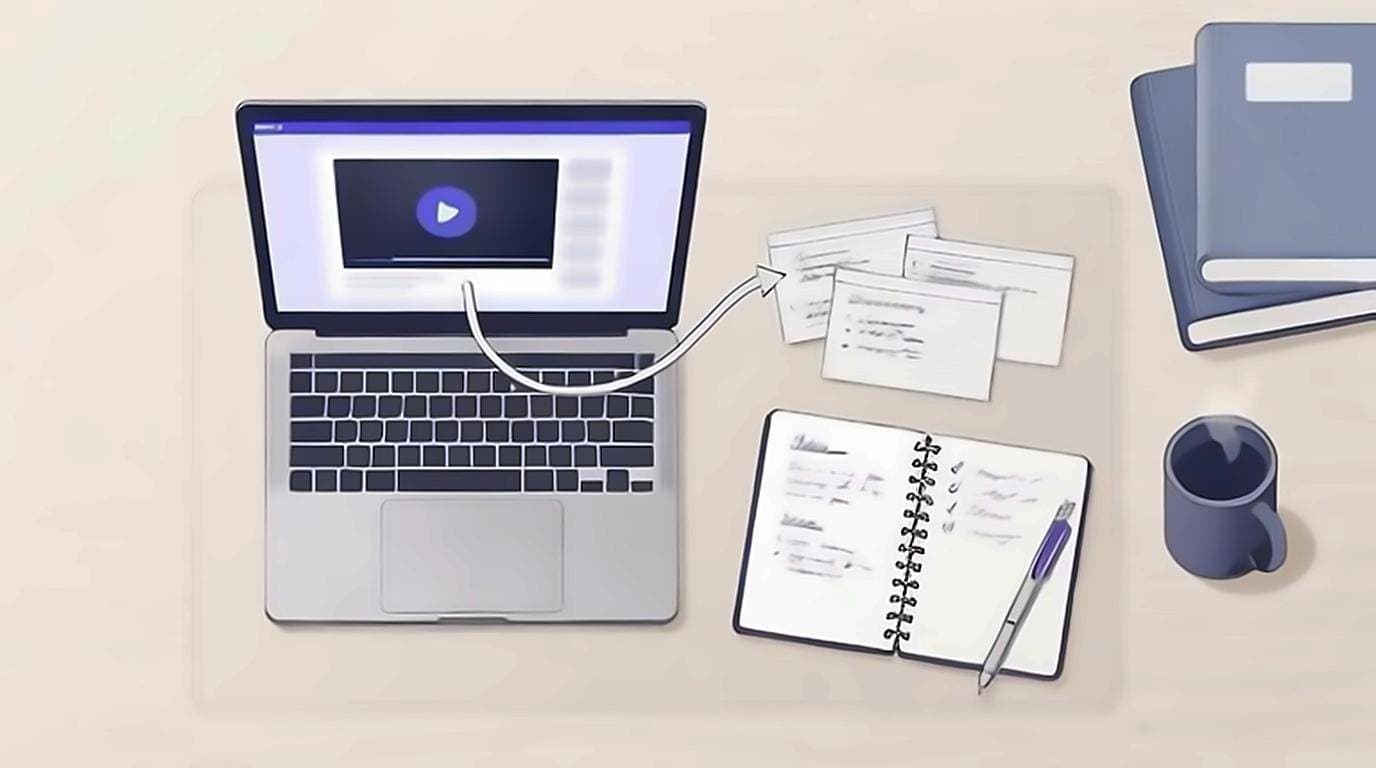
A YouTube transcript for students is the fastest way to study from YouTube: it turns a one-hour lecture into text you can skim, search, and quote instead of sitting through it again. A video is a great resource but a poor study tool — you can't Ctrl-F it, you can't skim it, and re-watching to find one definition burns time you don't have during exam week. Read the lecture as text, and keep the video only for the parts that genuinely need watching: a diagram, a worked example, or a demonstration.
Why read the transcript instead of re-watching
Re-watching feels productive, but it is the slowest way to revise. Reading the transcript flips the economics of study time in your favour.
- Reading is faster than listening. Brysbaert's meta-analysis of reading rate puts silent reading of English non-fiction at around 238 words per minute against the roughly 150 a speaker delivers — call it 1.5×, more once you start skipping, which is where the real saving comes from.
- Text is searchable. Looking for "photosynthesis"? Jump straight to it instead of scrubbing the timeline back and forth.
- Notes write themselves. Copy the exact wording of a definition into your notes instead of paraphrasing from a half-remembered clip.
- You control the pace. Slow down on the hard paragraph and blow past the five minutes of admin at the start — no scrubbing required.
How to open the transcript
Every step below assumes you can see the words on screen. The fastest way is an on-page extension that shows the transcript automatically next to the video, so you never leave the watch page. If you have never done it before, our guide to getting a YouTube video transcript walks through every method, including YouTube's built-in panel and how to export a clean copy. Once the transcript is open, the real work begins.
The skim → search → jump workflow
The point of a transcript is to spend your attention where it counts, not to read every word. Use this three-move loop for any lecture or tutorial.
- Skim the whole thing once to map the structure before you commit to watching anything. You will spot the sections that matter and the ones you can skip entirely.
- Search for key terms. Being able to search inside a YouTube video with its transcript means you find the one moment a concept is defined without scrubbing for it.
- Click the line to jump. When a diagram or worked example genuinely needs the video, click the transcript line and the player jumps to that exact second. You watch 40 seconds instead of re-watching 40 minutes.
Turning a transcript into notes
Once the lecture is text, taking notes from YouTube stops being transcription and becomes editing. Copy the important passages straight into your notes app — clean and timestamp-free — then trim them down. A good pattern for YouTube video notes:
- Paste each section under its own heading so your notes mirror the lecture's structure.
- Bold the definitions and pull every term into a running glossary at the bottom.
- Convert a transcript to text once, keep it in a single document, and add your own questions in the margin as you go.
If you want a repeatable system rather than ad-hoc copying, our guide to note-taking from transcripts and the walkthrough on exporting a YouTube transcript to text cover the export-and-organise step in more depth.
Making flashcards and active recall
Notes you never test are notes you forget. The real power of a transcript is that it becomes raw material for active recall, which is where most of the revision payoff sits. Because the wording is already exact, building flashcards from a video is quick:
- Pull every definition into a two-column list: term on the left, explanation on the right.
- Turn each paragraph into a question — "What are the three stages of X?" — and answer it from memory before checking the transcript.
- Drop the pairs into Anki, Quizlet, or any spaced-repetition app and revise them on a schedule.
The reason this beats re-watching is that you are answering questions rather than recognising familiar material. The transcript just makes the questions cheap to write: the exact wording is already in front of you, so you are not rewinding to catch a definition you half-heard.
Summarizing long lectures
For a dense two-hour lecture, start with a summary before you work through the detail. Paste the transcript into an AI assistant and ask it to summarize the lecture into ten bullet points, or to list every key term with a one-line definition. You can also ask it to quiz you on the material. Our guide to summarizing a YouTube video shows exactly which prompts work best. A summary will not give you understanding, but it maps out where the real effort belongs.
Citing a lecture with timestamps
When you quote a lecture in an essay or a study group, cite it properly. Because each transcript line carries a timestamp, you can reference the exact moment a claim was made — for example, "(Lecture 4, 12:47)" — instead of a vague "somewhere in the video." Copy the speaker's exact words, note the timestamp, and your citation is verifiable by anyone who opens the same video. This matters most when you are paraphrasing a subtle argument and need to prove you represented it faithfully.
A note on auto-caption accuracy
One caveat: most YouTube transcripts are generated automatically, and auto-captions are not perfect. They stumble on technical terms, proper nouns, accents, and equations spoken aloud. Before you commit a transcribed line to your notes as fact — especially a formula, a name, or a number — glance at that moment in the video to confirm the words are right. Use the transcript to work fast, and use the video to verify anything that has to be exact. That combination gives you both speed and accuracy.
Students are not the only ones who work this way. Researchers, journalists and writers lean on the same trick. If you want the transcript to appear on every video automatically with no copy-pasting and no account, the free extension handles it with a single click.