
AI Summarize a YouTube Video (Transcript-First)
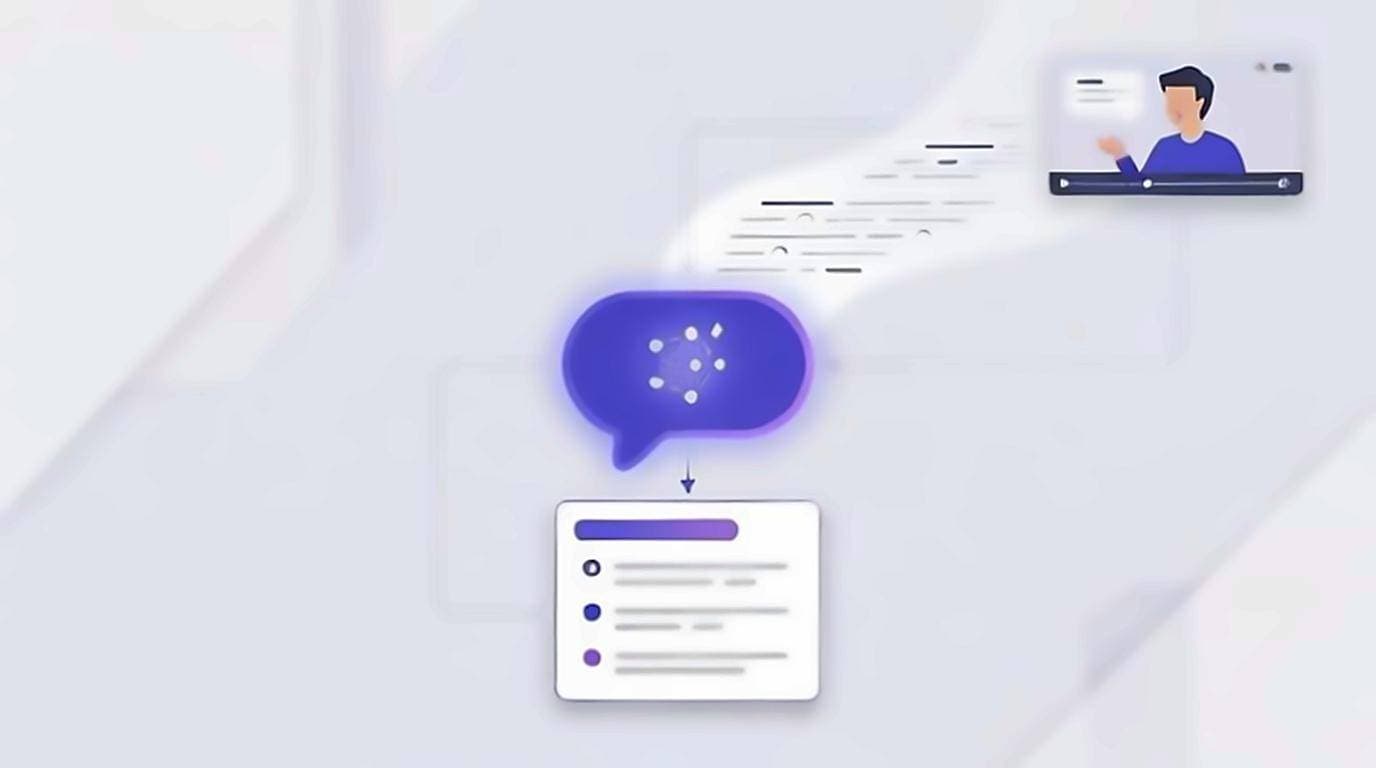
The dangerous summaries are not the wrong-looking ones. They read smoothly, use the right vocabulary, and quietly describe things the speaker never said — because the tool was working from a title, some metadata, and a truncated caption feed rather than the video. To AI summarize a YouTube video accurately, remove the guesswork at the source: copy the transcript, paste it into ChatGPT, Claude, or Gemini with a clear prompt, and the model reads the actual words instead of inferring from a URL.
Why start with the transcript
Most AI summarizers that take a YouTube link never process the video itself. They pull whatever caption data they can reach, sometimes truncated, and fill gaps with assumptions. When the model doesn't have the full text, it hallucinates. Feeding the raw transcript removes that guesswork.
Getting the transcript takes seconds with the free YouTube Transcript extension. It shows the full transcript on the watch page, and you can copy clean text with one click, no timestamps or clutter. From there, the text is yours to paste into any AI tool. Nothing leaves your machine until you choose to paste it, which matters if the content is private or unpublished. For the full method, see our guide on how to summarize a YouTube video, and if you're new to pulling text, read how to get a YouTube video transcript.
Copy-paste prompts that work
A good prompt tells the model what the text is, what you want, and how long the answer should be. Try these:
- TL;DR: "Here is a YouTube video transcript. Summarize it in 5 bullet points, each one sentence. Only use information in the transcript."
- Detailed notes: "Summarize this transcript as a structured outline with headings and sub-bullets. Preserve the speaker's key claims and any numbers."
- Action items: "From this transcript, extract every actionable tip as a checklist. Ignore filler and sponsor reads."
- Quotes: "Pull the 3 most important direct quotes from this transcript, verbatim, with a one-line note on why each matters."
Always include the instruction "only use information in the transcript." It cuts down on invented facts and keeps the model anchored to the source.
ChatGPT vs Claude vs Gemini
The three main models handle transcripts differently. Here's how to choose:
- ChatGPT: fast, strong at tight bullet summaries and reformatting. A great default for short and medium videos. The free tier has a smaller context, so very long transcripts may need chunking.
- Claude: a large context window handles long transcripts in one paste, and it tends to follow "only use the transcript" instructions closely. Good for podcasts and lectures where nuance matters.
- Gemini: deep integration with Google and a generous context. Solid for factual, reference-style summaries, and it works well if you already live in Google Docs.
For a one-hour transcript, Claude or Gemini usually swallow it whole. For a 10-minute clip, any of the three is fine. If you want to know in advance whether a paste will fit, the vendors publish the limits — Anthropic's model overview lists the context window per model, and a rough rule of thumb is that a spoken hour lands around 9,000–10,000 words. If you care about accuracy on dense material, test the same transcript in two models and compare — the differences are revealing.
Handling long transcripts with chunking
Long videos produce transcripts that exceed a model's context limit or degrade the summary quality. The fix is chunking:
- Split the transcript into sections of roughly 2,000 to 4,000 words. Natural breaks, like chapter markers or topic shifts, work best.
- Summarize each chunk separately with the same prompt. Ask for bullets, not prose, to keep it compact.
- Paste all the chunk summaries into one final prompt: "Combine these section summaries into one coherent summary with a TL;DR and key takeaways."
This "summarize the summaries" approach preserves detail from every part of the video instead of letting the middle get lost. We cover it in depth in summarizing long YouTube videos. Creators repurposing their own catalogue should start from YouTube transcripts for content creators instead.
How to recognise a bad summary
A wrong summary rarely looks wrong. It reads smoothly, uses the right vocabulary, and gives you nothing to be suspicious of. That is the problem. There are a few symptoms worth learning to spot.
- It stops matching the video partway through. Usually a truncated transcript: the model summarised what it received, and what it received ended early. Check whether the closing section of the video appears anywhere in the summary.
- Everything is stated flatly. Speakers hedge constantly. A summary in which every claim is settled fact has quietly removed the hedging, and that changes the meaning more than any missing detail would.
- The specifics are suspiciously round. Invented numbers tend to be tidy. If the summary says a figure doubled and the transcript says it went up by about a fifth, the model reached for a satisfying shape rather than the text.
- Nothing in it could be wrong. Lines like "the speaker explores several considerations" are padding. They survive because nobody can check them, which is reason enough to cut them.
Summarizing a video you have not watched
The honest use of a summary is triage: deciding whether something deserves your attention. That works, and it saves real time. The failure mode is letting the summary stand in for the video in a context where you are answering for the content — a meeting, an essay, a post.
A reasonable line is whether you could defend a claim if someone pushed back on it. If you could not, either watch the relevant minute or drop the claim. Because the transcript is still open, checking one point is a search and a click rather than a rewatch, so this costs far less than it sounds like it should.
Verify before you trust
AI summaries are drafts, not gospel. Because you already have the transcript, verification is easy:
- Spot-check any statistic or quote against the transcript text.
- Use the transcript's clickable lines to jump to the exact moment and confirm context.
- Re-run the prompt if a summary feels thin — models vary between runs.
Once you're comfortable, the same transcript can feed more than summaries. You can search inside the video, extract quotes, or turn it into a blog post.